
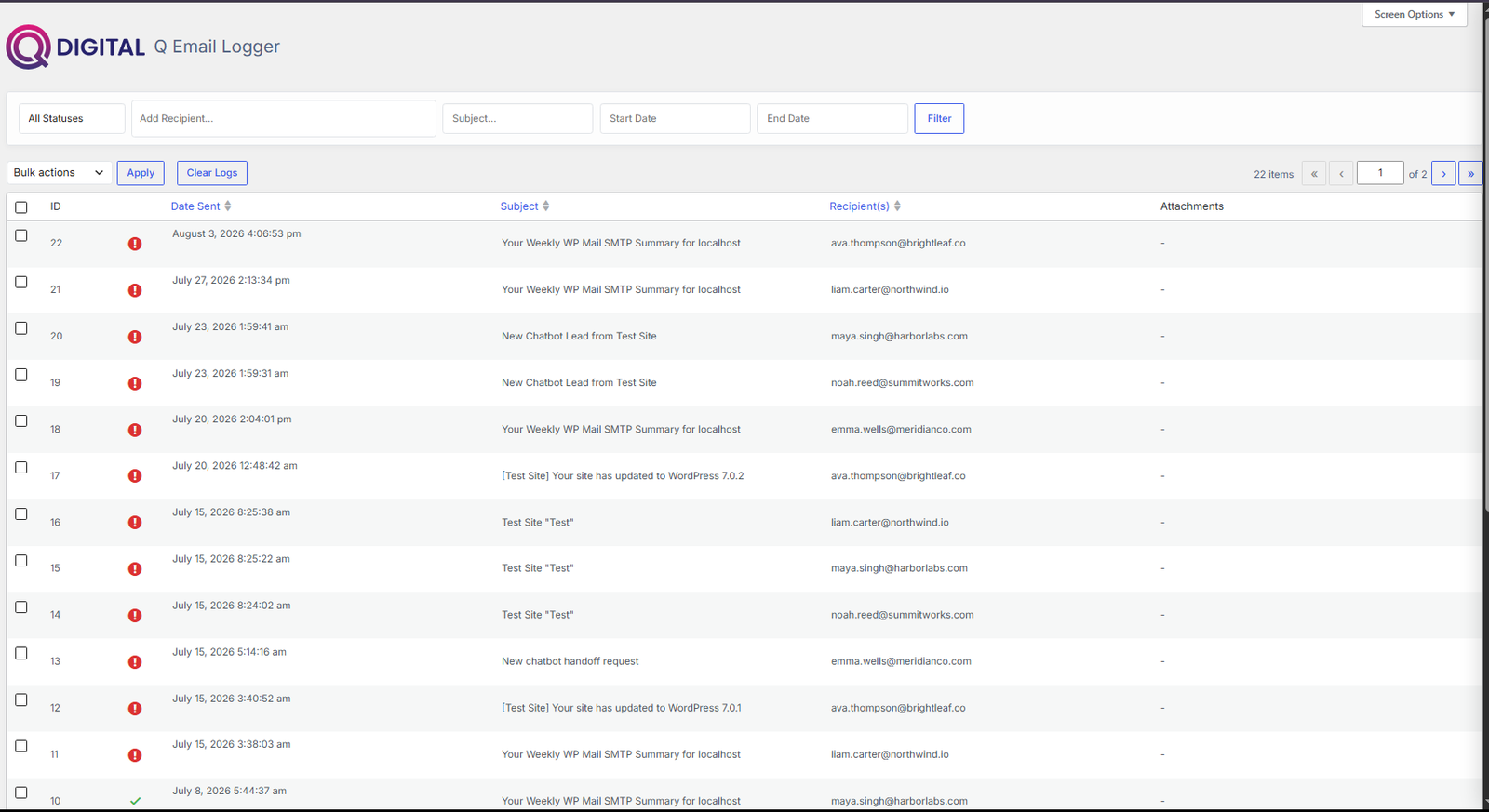
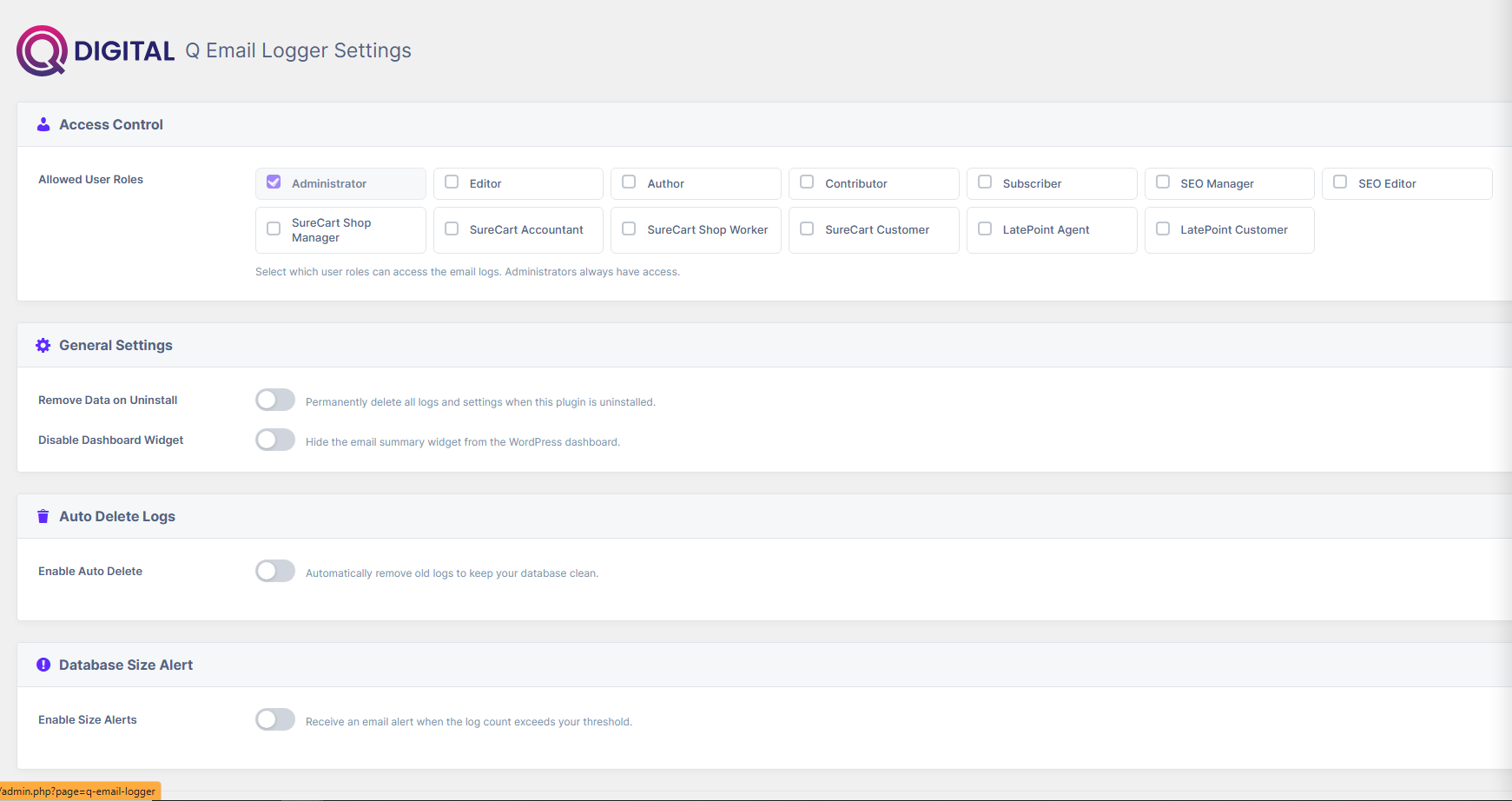
What you get inside WordPress
Every screen below ships with the plugin and integrates with your Q Digital account.
Free Forever vs Premium AI
Q Email Logger is 100% free for local email logging. Optional AI features use shared Q Digital credits.
🆓 Free Forever
Included with plugin download. No account or credit card required.
- ✓ Email logging
- ✓ Search & filter logs
- ✓ View sent/failed status
- ✓ Resend emails
- ✓ Retention settings
- ✓ Basic failure visibility
✨ Premium AI Features
Powered by Q Digital AI credits when connected to your account.
- ⚡ AI failure diagnosis
- ⚡ Deliverability recommendations
- ⚡ SMTP/SPF/DKIM/DMARC guidance
- ⚡ Email health scoring
- ⚡ Smart alerts
AI Credit Usage
Credits are deducted from your Q Digital account wallet as AI actions take place.
| Metered AI action | Unit | Credits |
|---|---|---|
| Email processed | per request | 1 cr |
| AI failure diagnosis | per request | 2 cr |
Need AI failure diagnostics? Buy credit packages from your Q Digital dashboard anytime.
Version 1.2.0
Release details for Q Email Logger.
Compatibility
22 Oct 2026
| Requires WordPress | 4.0 |
| Tested up to | 7.1 |
| Requires PHP | 5.6 |
| Package size | 83.7 KB |
What changed
Public changelog for the current release.
Download versions
Download the current release of Q Email Logger or roll back to an earlier build.
| Version | Released | Channel | Size | Download |
|---|---|---|---|---|
| v1.2.0 Current | 22 Oct 2026 | stable | 83.7 KB | Download |
| v1.1.7 | 24 Aug 2026 | stable | 80.4 KB | Download |
| v1.1.6 | 24 Aug 2026 | stable | 80.4 KB | Download |
| v1.1.5 | 14 Aug 2026 | stable | 1,119.5 KB | Download |
| v1.1.4 | 23 Jul 2026 | stable | 1,117.8 KB | Download |
| v1.1.3 | 23 Jul 2026 | stable | 1,117.4 KB | Download |
Get started with Q Email Logger free
Download the free plugin ZIP, install on your WordPress site, and connect to Q Digital when you're ready for AI features.